
-
·
Document Verification 101: Process, Benefits, and Modern Challenges
Tl;dr Fake documents are no longer easy to spot. Document fraud has become easier and more advanced than before. Fake ID cards and edited certificates now look more real and are cheaper and faster to create. In early 2024 alone, document fraud surged by over 300%, largely driven by AI-generated forgeries. This is why document…
-
·
Google Sheet QR Code: How to Create QR Codes in Google Sheets
TL;DR QR codes are easy to create. Managing them at scale is not. If you’ve ever tried to create dozens or hundreds of QR codes one by one, you’ve probably felt the friction. Links change. Lists grow. Files get messy. And suddenly, something that should be simple turns into manual work. That’s why many teams…
-
·
How to Secure Word Document?(Best Methods Included)
Tl;dr Many businesses and schools store private data in Word documents. Without protection, sensitive info can leak. Data breaches are expensive. According to industry cybersecurity reports, the average global data breach cost reached $4.88 million in 2024, with most incidents involving weak or stolen credentials. Therefore, it becomes crucial to secure word document. And in…
-
·
How to Secure PowerPoint Presentation: Current Methods and a Better Approach
TL;DR You share a PowerPoint with one person. A few days later, it shows up somewhere else renamed, slightly edited, or missing a slide.Sometimes it’s outdated. Sometimes the branding is off. Sometimes it’s being presented as “official” when it isn’t. This is a common problem, especially with sales decks, training material, investor presentations, and policy…
-
·
How to Verify Someone’s Degree: What Most Institutions Miss!
TL;DR For years, how to verify someone’s degree was treated as a simple checklist item. A certificate that looked official, a university seal, and a convincing résumé were often enough to move a candidate forward. That approach no longer works. Today, fake degrees are faster, cheaper, and more sophisticated than ever. AI design tools, ready-made…
-
·
How to Secure Google Sheet: Best Practices Every Team Should Follow
TL;DR Google Sheets is one of the most widely used tools for storing and sharing business data. It’s fast, familiar, and easy to collaborate on. But convenience comes with a quiet risk. Many teams assume that because a file lives inside Google’s ecosystem, it’s automatically safe. In reality, a secure Google Sheet depends less on…
-
·
How to Verify Diploma Online?(Top 5 Ways)
TL;DR To verify diploma online, you can use the school’s official database. You can also scan a QR code on the diploma or ask a trusted third-party service to check it. This confirms whether a high school or college diploma is real and recognized. Employers and universities check diplomas to confirm if education claims are…
-
·
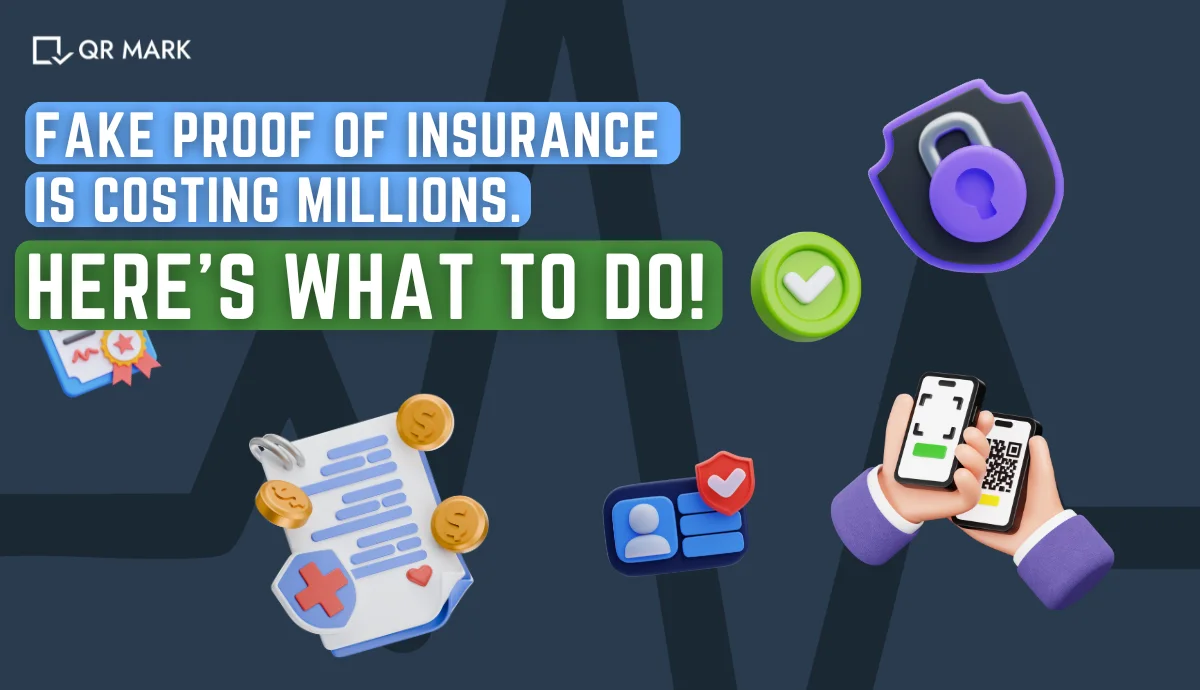
Fake Proof of Insurance: How It’s Made and How to Spot It
TL;DR Insurance fraud is no longer rare. It is a serious problem today. One fast-growing issue is people producing fake proof of insurance documents. These documents look real and official. They often pass quick checks, but they are not valid. In the United States alone, insurance fraud costs more than $308 billion every year. The…
-
·
QR Code for Document Verification: How Businesses Protect their Documents(Explained)
TL;DR Businesses use many ways to protect documents. These include passwords, PDFs, and signatures. But most of these methods fail once a document is shared. In fact, a research found that 58% of organizations have faced document fraud. Digital files are easy to copy, edit, and reuse. This makes fake or altered documents hard to…
-
·
Protecting Excel in 2025: The Ultimate Guide You Need
TL;DR In 2025, Excel spreadsheets are among the easiest files to edit, copy, or fake. This puts your credibility at risk. That is why organisations now look for better ways to secure their key documents. In this guide, you will learn what protecting Excel means and how to keep your files safe and trusted. Alright,…