

TL;DR
Document verification software checks if IDs and documents are real, and if they match the person submitting them. It works using OCR + AI checks (tampering, security features) and often adds selfie + liveness. “Best software” depends on your use case: speed, fraud risk, volume, and compliance needs. A different approach is making documents verifiable at issuance (QR Code based verification on your own domain). Avoid common mistakes like choosing OCR-only tools, ignoring false rejections, and underestimating total cost.
If you’re reading this, you’re probably trying to solve a simple but high-stakes problem:
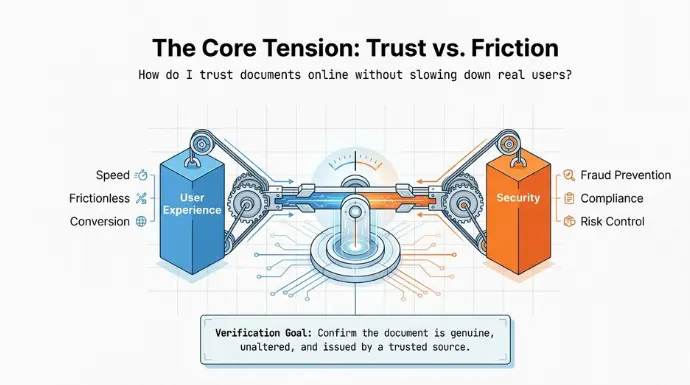
How do I trust documents online without slowing down real users or letting fraud slip through?
That’s exactly what document verification softwares are built for. It helps you confirm whether a certificate, or official document is genuine. But not all verification tools work the same way.
Some focus on onboarding speed. Some focus on deep fraud detection. And some take a proactive route by making documents verifiable at the time they’re issued.
In this guide, you’ll learn:
- What document verification software is and how it works,
- Which solutions fit different business needs,
- How QR Code based document verification can reduce forgery risk,
- The biggest mistakes buyers make before they commit.
By the end, you should be able to shortlist the right option faster and with much more confidence.
A. What is Document Verification Software?
Document verification software is a tool that checks whether a document is real or fake.
It makes sure documents like certificates, degree, ID, contract, or official record hasn’t been edited, forged, or tampered with before someone accepts it. Businesses use it to protect themselves from fake documents that could cause financial loss or damage their reputation.
These softwares can can spot things like a replaced photo, strange font changes, layout mismatches, or altered data in the document.
This helps organizations process documents faster while keeping fraud under control. Since document fraud costs businesses billions every year, having a reliable verification system is no longer optional, it’s part of protecting trust.
B.What is the Best Document Verification Software for Your Business?
In the past, you had to hire people to look at every photo. Today, AI does this in seconds. It looks for “forensic” details of things the human eye misses, like mismatched fonts, tampered PDF metadata, or deepfake faces.
There is no “one size fits all.” A crypto startup has different needs than a legacy bank. Here is a breakdown of the top players you should consider right now.
1. QR Mark: The Best Overall for Proactive Security
QR Mark is the most innovative solution in this guide because it doesn’t just “check” a document. It “secures” it. It is the best choice for government agencies, schools, and legal firms that need to ensure verifiability of their documents.
How it works:
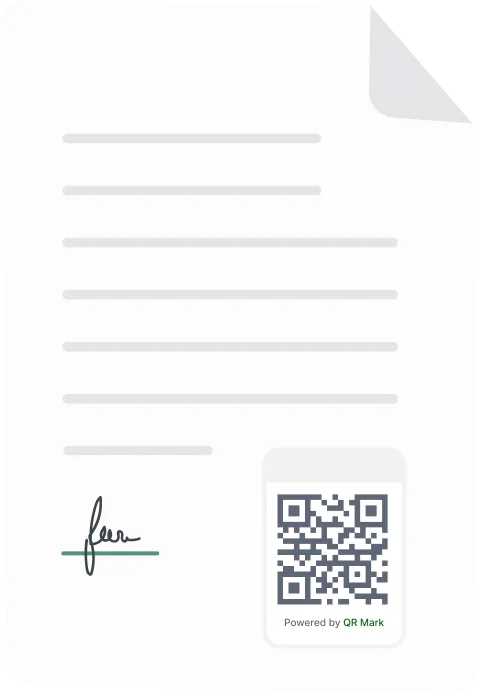
It assigns a unique, encrypted QR Code to every document. When a recipient scans the code, they are sent to a secure portal that shows the original, untampered details of that specific file.
Pros:
It offers unlimited verifications, meaning you don’t get punished with high fees as you grow. It prevents forgery because the data is pulled from your secured database server, not the paper itself. It also supports custom branding and easy API integration.
Cons:
It requires you to be the one issuing or managing the document’s security layer.
Pricing:
Extremely affordable. Paid plans start at just $9 per month, making it the best value-for-money tool on this list.
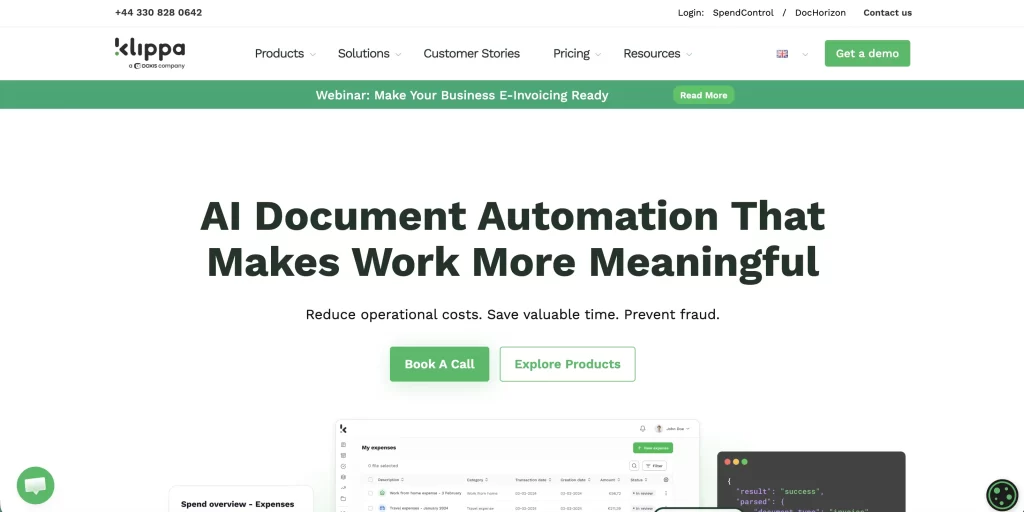
2. Klippa DocHorizon: Best for High-Volume Data Extraction
Klippa is the “forensic expert” of the group. If your business processes thousands of invoices, receipts, or complex financial forms, Klippa is your top pick.
How it works:
It uses Intelligent Document Processing (IDP) to scan text and then runs “copy-move” forgery detection to see if sections of the document were cloned or altered.
Pros:
It can identify if a PDF was edited in Photoshop by looking at the file’s metadata (hidden DNA). It supports over 100 languages.
Cons:
The setup can be complex for teams without a developer, and accuracy can dip if images are very skewed or blurry.
Pricing:
Offers a “Pay-As-You-Go” model starting at roughly $500 per month.
3. iDenfy: Best for High-Risk Security
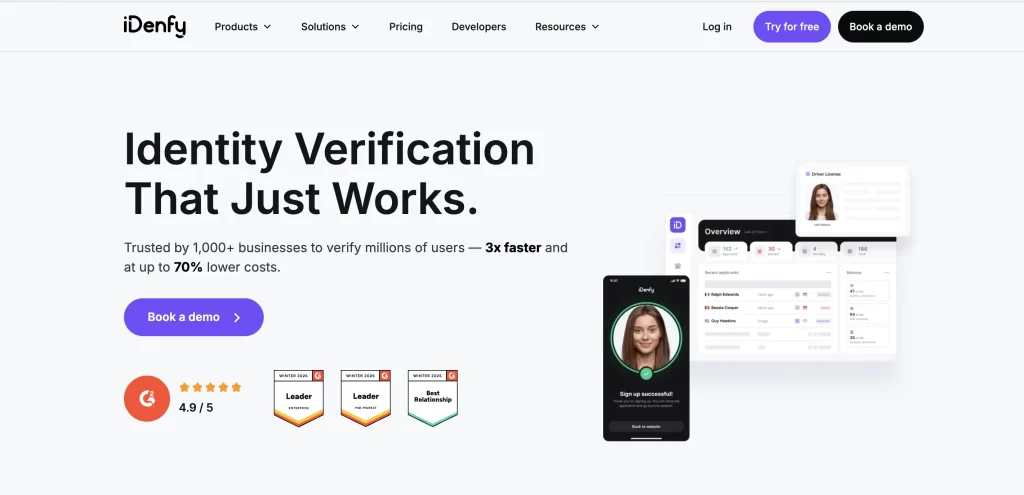
iDenfy uses a “Hybrid” model. This means AI does the work, but human experts double-check the results.
Pros:
You only pay for approved users. If a fraudster tries to sign up, you don’t pay for the check. It has a 99.9% success rate.
Cons:
The human review layer can add a 2-minute wait time for your users.
Pricing:
Starts at about €0.50 per approved verification.
4. Veriff: Best for Onboarding Speed
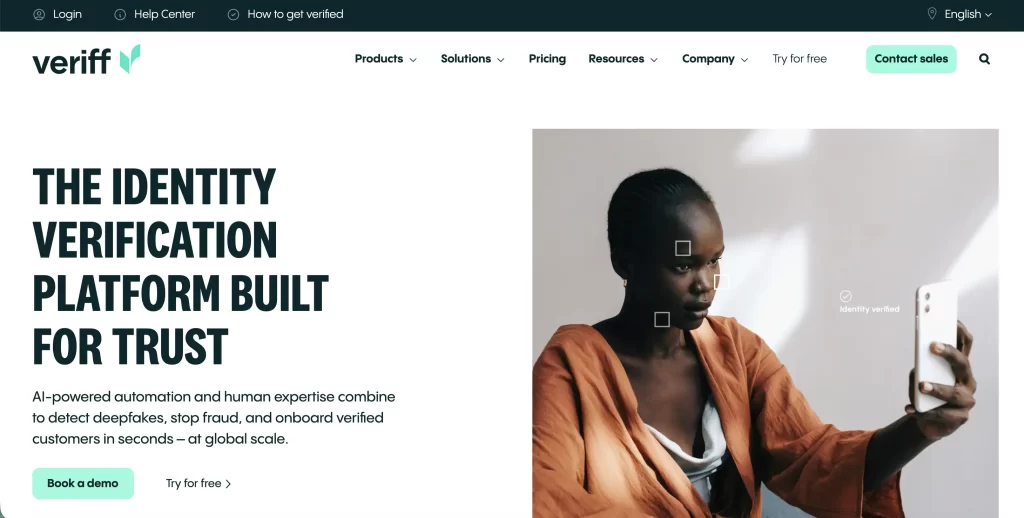
Veriff is built for “frictionless” growth. It is the fastest tool for mobile apps.
Pros:
Decisions are made in an average of 6 seconds. It supports 12,000 different ID types.
Cons:
The mobile SDK is large, which can make your app “heavier” for users with old phones.
Pricing:
Starts at $49 per month for the basic self-serve plan.
5. Sumsub: Best All-in-One Compliance Platform
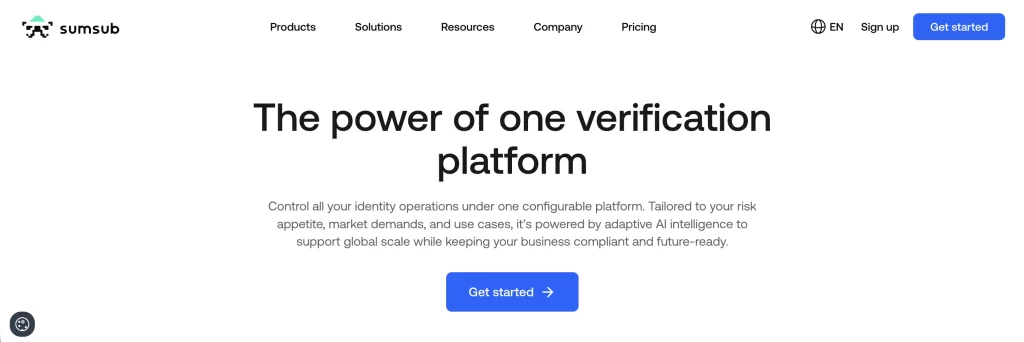
Sumsub is designed for teams that want to manage everything KYC (Identity), KYB (Business), and AML (Money Laundering) in one dashboard.
It offers “reusable KYC,” which lets users who have been verified once on Sumsub’s network skip the check on other participating platforms.
Pros:
It processes over 140,000 verifications daily with a 91-97% pass rate in major markets like the US and UK.
Cons:
The platform is very deep. Smaller teams might find the dashboard overwhelming.
Pricing:
Standard plans start at $1.35 per verification.
| Software | Best For | Decision Speed | Pricing Model | Primary Strength |
| QR Mark | Total Document Certainty | Instant | $9/mo (Flat) | Prevents forgery 100% |
| Klippa | Invoice & AP Forensics | < 3 Seconds | $500/mo (Usage) | EXIF & Metadata Analysis |
| Veriff | High-Speed Onboarding | 6 Seconds | $49/mo + Per-Check | 12,000+ ID types supported |
| iDenfy | Cost-Conscious Startups | 1-2 Minutes | Pay-per-Approved | Human-in-the-loop accuracy |
| Sumsub | All-in-One Compliance | ~50 Seconds | $1.35/check | Reusable KYC & KYB |
C. How do you make documents verifiable instead of verifying them later?
Most document verification tools check documents after they are submitted. But some organizations take a different approach: they make documents verifiable at the time of issuance.
QR Mark follows this model. You secure the document at issuance, link it to your verified domain, embed a QR Code, and let anyone verify it instantly by scanning.
Once this is set up, your documents don’t rely on trust or manual checks. They prove themselves.
Here’s the step-by-step process.
Step 1: Secure the document at the source
Verification works best when it starts before the document is shared.
With QR Mark, each document is tied to a unique verification record at the time of issuance. That record becomes the single source of truth.
This means:
- The document’s authenticity does not depend on the PDF alone
- Any copy or edit can be detected later
- Verification always points back to the issuer, not the file
This is what prevents forgery instead of trying to detect it later.
Step 2: Upload or prepare the document for verification
You can work with:
- Newly created documents
- Existing PDFs
- Single certificates or bulk files
The idea is simple: the document you issue becomes the document that can be verified. There is no separate verification workflow for recipients.
Step 3: Link your custom domain
This is one of the most important steps.
You connect the verification process to a custom domain that you own.
For example:
- Main site: school.com
- Verification domain: cert.school.com
When someone scans the QR Code, they are redirected to this domain.
Why this matters:
- The verification page clearly belongs to you
- Fake certificates cannot replicate your domain
- Only you can issue documents that resolve to this address
This step is what separates legitimate documents from fake ones created using generic QR tools.
Once the domain is connected and verified, it becomes your permanent verification layer.
Step 4: Add the verification QR Code to the document
You now embed the QR Code into the document. QR Mark supports different workflows so you don’t have to change how you already work.
D. What mistakes do buyers commonly make when choosing verification software?
Most bad buying decisions don’t come from choosing the wrong tool. They come from choosing the right-looking tool for the wrong reason.
Below are the most common mistakes buyers make when selecting document verification software—and how to avoid them. If you catch even one of these early, you’ll save time, money, and rework later.
1. Choosing OCR-only tools and calling it “verification”
OCR is not verification. It’s just reading text. Many buyers assume that if software can read text from an ID, it can verify the document. That’s a costly assumption.
OCR-only tools can:
- Read names and numbers correctly
- Completely miss edited photos, fake templates, or forged PDF
Modern fraud doesn’t break OCR. It passes OCR perfectly.
What to do instead
- Look for tools that include AI-based forgery detection
- Ensure they analyze document structure, images, and security features
- Treat OCR as the starting point, not the solution
2. Optimizing only for speed and ignoring fraud risk
Faster onboarding means nothing if fraud gets through.
Some tools advertise ultra-fast verification times and near-zero friction. That sounds great—until fraud rates rise.
Buyers often:
- Choose the fastest solution
- Skip deeper checks to reduce drop-offs
- Discover later that fake documents were approved
What to do instead
- Decide upfront how much fraud risk you can tolerate
- Balance speed with accuracy based on your industry
- Use stricter checks for high-risk cases, lighter ones for low-risk flows
Speed is a metric. Trust is the outcome.
3. Ignoring false rejections until users complain
False rejections silently kill conversions. Many teams focus only on stopping fraud. They forget about genuine users getting blocked.
This usually happens when:
- Image capture guidance is poor
- Liveness checks are too aggressive
- Document quality expectations aren’t realistic
The result?
- Legit users retry multiple times
- Drop-offs increase
- Support tickets pile up
What to do instead
- Check how the software handles blur, glare, and lighting
- Prefer passive liveness over complex actions when possible
- Ask vendors about their false rejection rate (FRR), not just accuracy claims
4. Underestimating total cost at scale
The per-check price is rarely the real price. Buyers often compare tools based on headline pricing. That’s where mistakes begin.
Hidden costs usually come from:
- Re-submissions charged as new verifications
- Manual review fees
- Extra charges for liveness, AML, or NFC checks
- SDK maintenance and integration effort
A tool that looks cheap at 1,000 verifications can become expensive at 50,000.
What to do instead
- Ask for total cost at your expected scale
- Clarify whether pricing is per attempt or per user
- Factor in operational and engineering effort
5. Not testing with real documents and real users
Short answer: Demos lie. Real documents don’t.
Many buyers rely on:
- Polished demos
- Sample IDs
- Vendor-provided test images
Then they launch and discover:
- Local documents fail verification
- Camera quality issues weren’t considered
- Edge cases weren’t handled
What to do instead
- Run a pilot with real user documents
- Test different lighting, devices, and network conditions
- Measure pass rate, retry rate, and time to verify
If it fails in testing, it will fail harder in production.
6. Treating compliance as an afterthought
Verification without compliance creates future risk. Some buyers focus entirely on fraud prevention and ignore:
- Data retention policies
- Audit trails
- Regional compliance requirements
This becomes a problem during:
- Audits
- Customer disputes
- Regulatory reviews
What to do instead
- Ensure the tool provides logs and verification records
- Check GDPR, AML, and regional compliance support
- Understand where and how data is stored
Compliance is not a feature you add later.
7. Choosing “enterprise-grade” tools without enterprise needs
Bigger tools aren’t always better. Some teams overbuy, Complex platforms, Long contracts and Features they’ll never use
This leads to:
- Slower implementation
- Higher costs
- Internal resistance from teams
What to do instead
- Match tool complexity to your current needs
- Ensure it can scale later, but don’t over-engineer now
- Prioritize ease of use and clarity over brand size
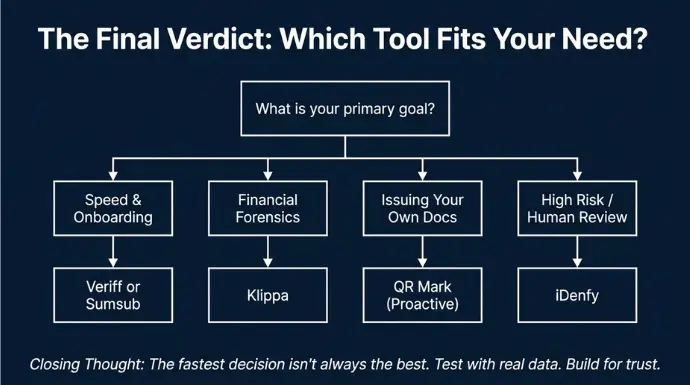
Parting Thoughts
Document verification isn’t just a “checkbox” feature anymore. It’s a trust layer. If you choose the right solution, you get:
- Fewer fake documents slipping through,
- Faster onboarding for genuine users,
- Fewer manual checks,
- Fewer compliance headaches later.
But the fastest decision is not always the best decision. A tool that looks perfect in a demo can fail in the real world if it rejects too many genuine users, misses modern forgery tactics, or becomes expensive at scale.
That’s why the smartest buyers do two things:
- They compare tools based on their real needs (risk, volume, user experience), and
- They test using real documents before committing.
And if you’re in a situation where you issue documents frequently like education, HR, legal, or government consider the proactive model too: make documents verifiable at issuance, so the document can prove itself without back-and-forth verification.
Either way, your goal is the same: trust, at scale, without friction.
Frequently Asked Questions about Document Verification Software
1.What is the best document verification software for small businesses?
There isn’t a one-size-fits-all “best” software, but small businesses should look for a solution that’s affordable, easy to use, and scalable. Typically, small companies benefit from document verification tools that offer flexible pricing (like pay-per-check or low-cost starter plans) and require minimal technical integration.
You might not have a big IT team, so a service with a straightforward API or even a no-code setup is ideal. Also, ensure it covers the basic features: good accuracy in catching fake IDs, compliance with regulations, and a user-friendly interface for your customers.
It’s a good idea to use free trials to test a couple of options and see which one you’re comfortable with.
2.How much does KYC document verification cost?
The cost of KYC document verification can range widely depending on the provider and plan. For pay-as-you-go models, you might pay somewhere from around $0.50 to $2.00 per verification in many cases,.Some providers start even lower per check if you have high volumes.
Subscription plans could be something like $50–$100 per month for a small-scale plan (with limits on number of verifications), going up to several thousand per month for enterprise plans.
For example, one service offers self-serve packages from $49/month for a basic level, while another’s enterprise customers might pay $250/month or more for advanced features and higher volumes. Keep in mind these prices can change and often the exact quotes require talking to sales, especially for large volumes.
3.Can AI detect deepfake identity documents?
Yes, modern document verification software increasingly uses AI to detect even very sophisticated fake IDs, including those altered by AI (so-called deepfakes or synthetic identities). AI-driven checks go beyond just reading text; they analyze the image data deeply. For instance, AI can examine whether a
4. What is a document verification API?
A document verification API is an interface that allows developers to integrate document verification capabilities into their own applications or websites. In simpler terms, it’s how you “talk” to a verification service from your software.
For example, if you want users to verify their IDs on your app, you can use the API provided by a document verification vendor to send the ID images and receive back the verification results programmatically.
