
QR Mark—The Ultimate Choice For Document Security
Latest blog posts
-
·
Why are Digital Identity QR Codes the need of the hour?
Every one of us has a digital identity now. It is stitched together from government IDs, employer letters, university certificates,…
-
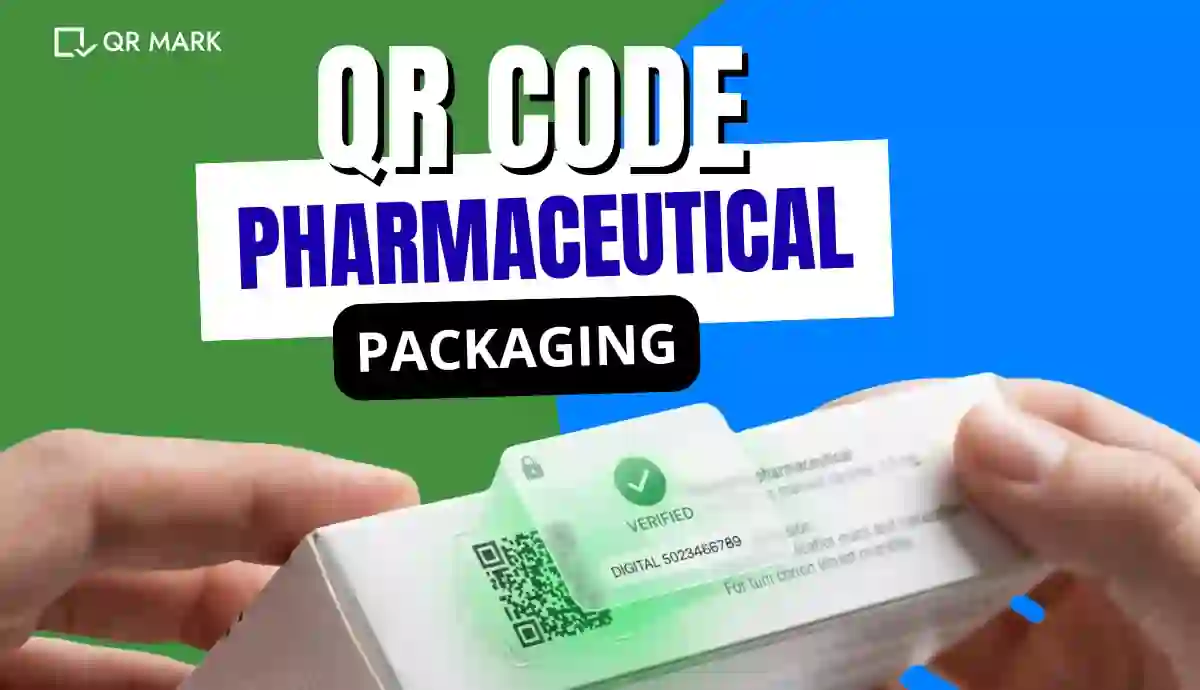
How Does QR Code Pharmaceutical Packaging Work (Step-by-Step with Examples)?
You’re a quality assurance head at a mid-size pharmaceutical company. During a routine audit, you scan the QR Code on…
-
How To Improve Translation Certificate Verification In The Age of Rising Forgeries?
A translation agency in the EU recently discovered that a set of certificates it had never issued was circulating among…
-

·
How Can Businesses Detect Document Tampering In 2026?
According to a 2024 report by AuthBridge, discrepancies were found in 1 in 5 background checks conducted in India, with…
-
·
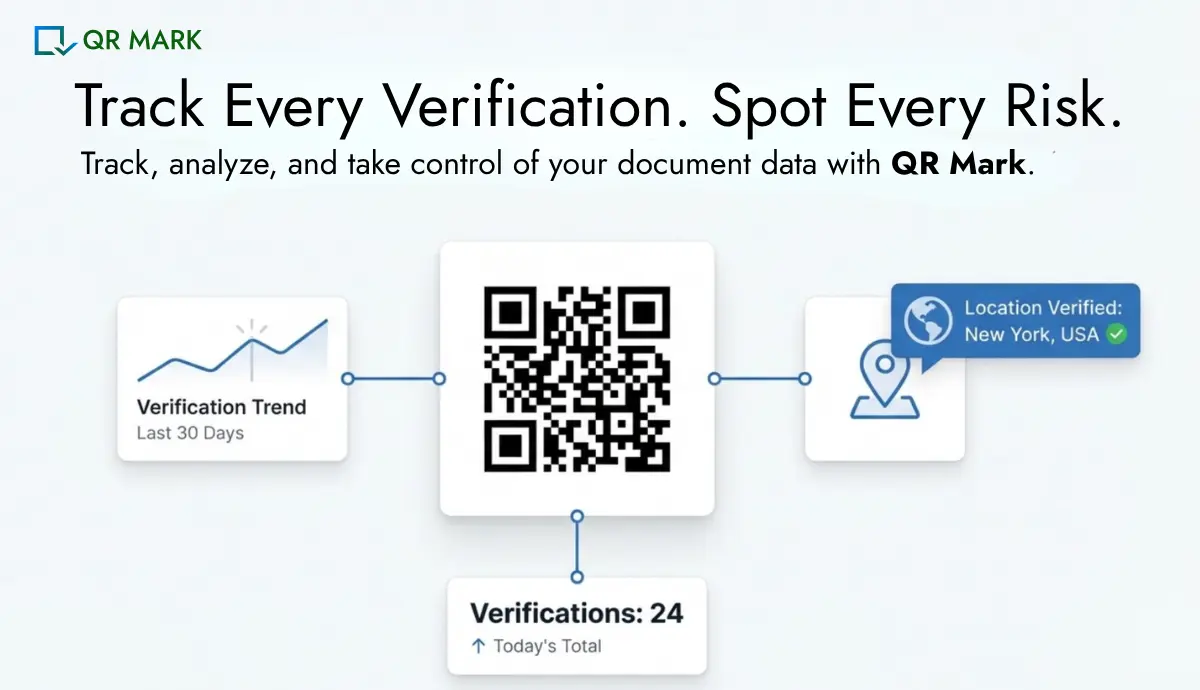
How to Detect Document Fraud Fast Using Document Verification Analytics?
Organizations today issue documents at scale from university certificates and HR experience letters to legal agreements and compliance documents. These…
-
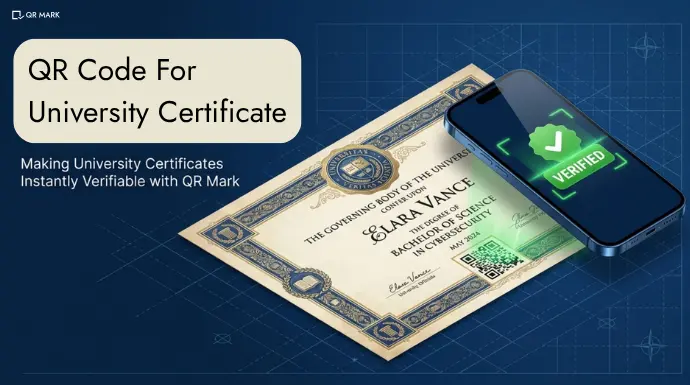
How to Create a QR Code for University Certificate in 2026?
Universities have always tried to make their certificates “authentic.” They use embossed seals, Holograms, Special paper, Watermarks, and now Digital…
-

·
Document Verification Process: A Complete Guide for Issuers and Verifiers
A university issues degree certificates of their latest batch. The logo is correct and they have also used a seal…
-
·
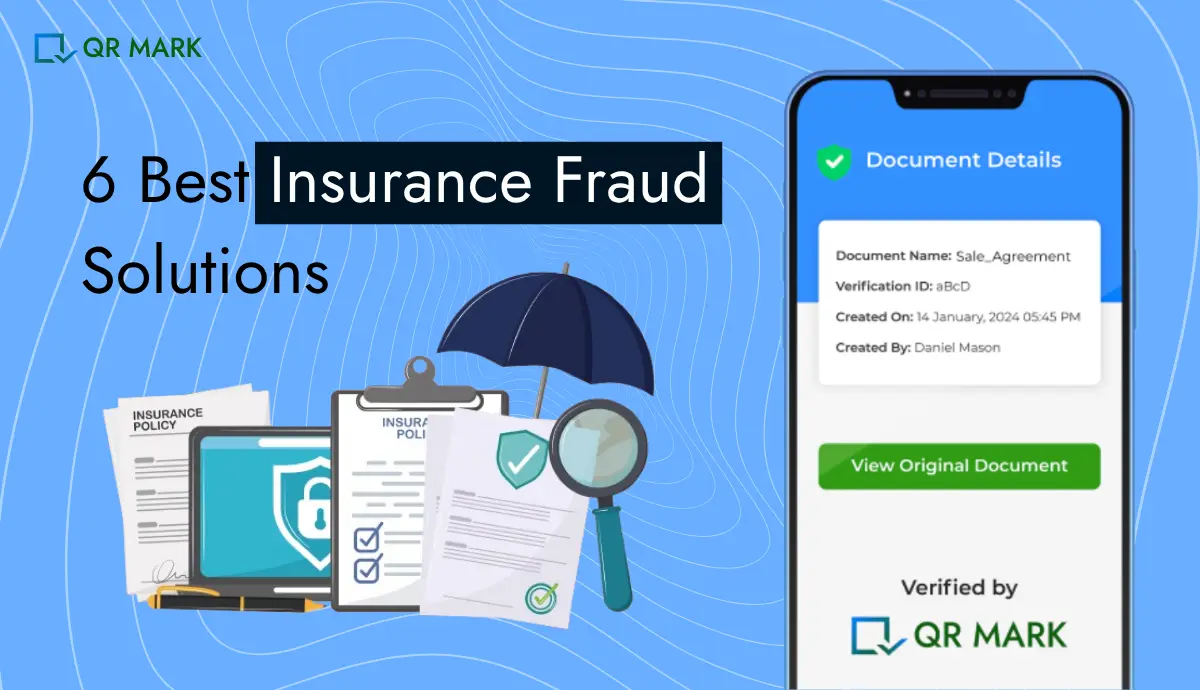
How to Choose the Best Insurance Fraud Solution in 2026
Recently in the U.S. in March 2026, I came across a case where a couple running an insurance brokerage pleaded…
-
·
How to Make a Certificate of Authenticity: A 2026 Guide
Heimdal Security’s 2024 global social media analysis (LinkedIn, Facebook, Reddit) revealed that job scams relying on fake documents were most…
QR Mark’s Features
Custom Domain
Securely redirect to your own domain
Connect your preferred domain to build credibility among the users. With simple setup, you can create a landing page that reflects your brand. This helps users trust the authenticity of your documents.
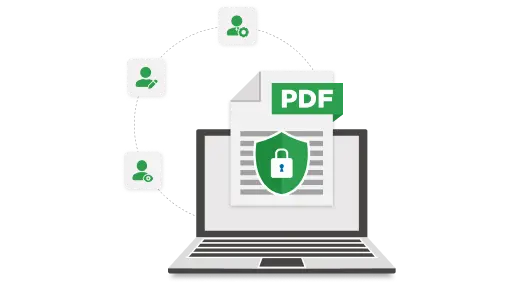
Multiple Users
Collaborate with ease
Grant team members or departments access to manage and secure documents with QR Codes in a shared dashboard. This helps keep everything organized while maintaining the highest level of security and control.
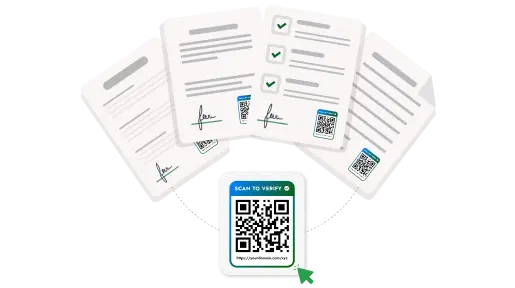
Bulk Generate
Protect documents in batches
Create and apply secure QR Codes to large volumes of documents in one go. This efficiency is perfect for businesses that handle high volumes of documentation. Save valuable time while securing multiple documents.
Have a feature in mind? Contact us