
QR Mark—The Ultimate Choice For Document Security
Latest blog posts
-
·
What Are the Most Common Types of Document Fraud?
A degree has the right logo. A bank statement carries the correct formatting. Yet any of them could be fake.…
-
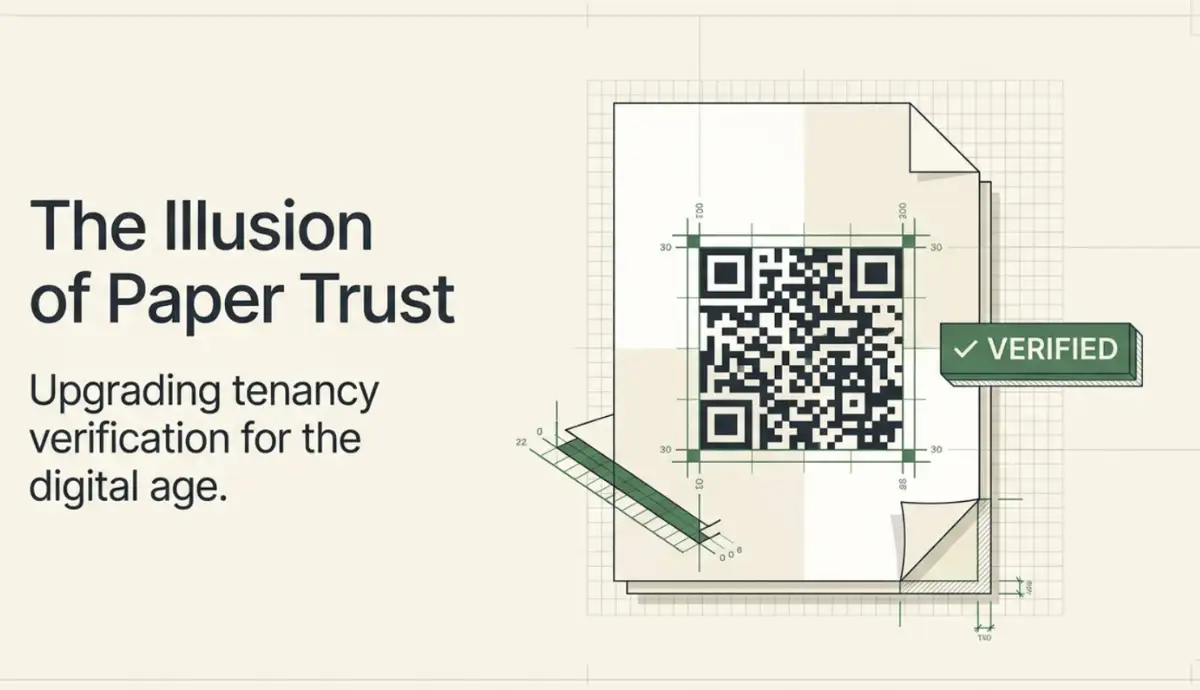
Verification of Tenancy letter: How to Issue a verifiable one?
A tenancy letter proves who lives at an address and under what terms. Banks, employers, and landlords often rely on…
-
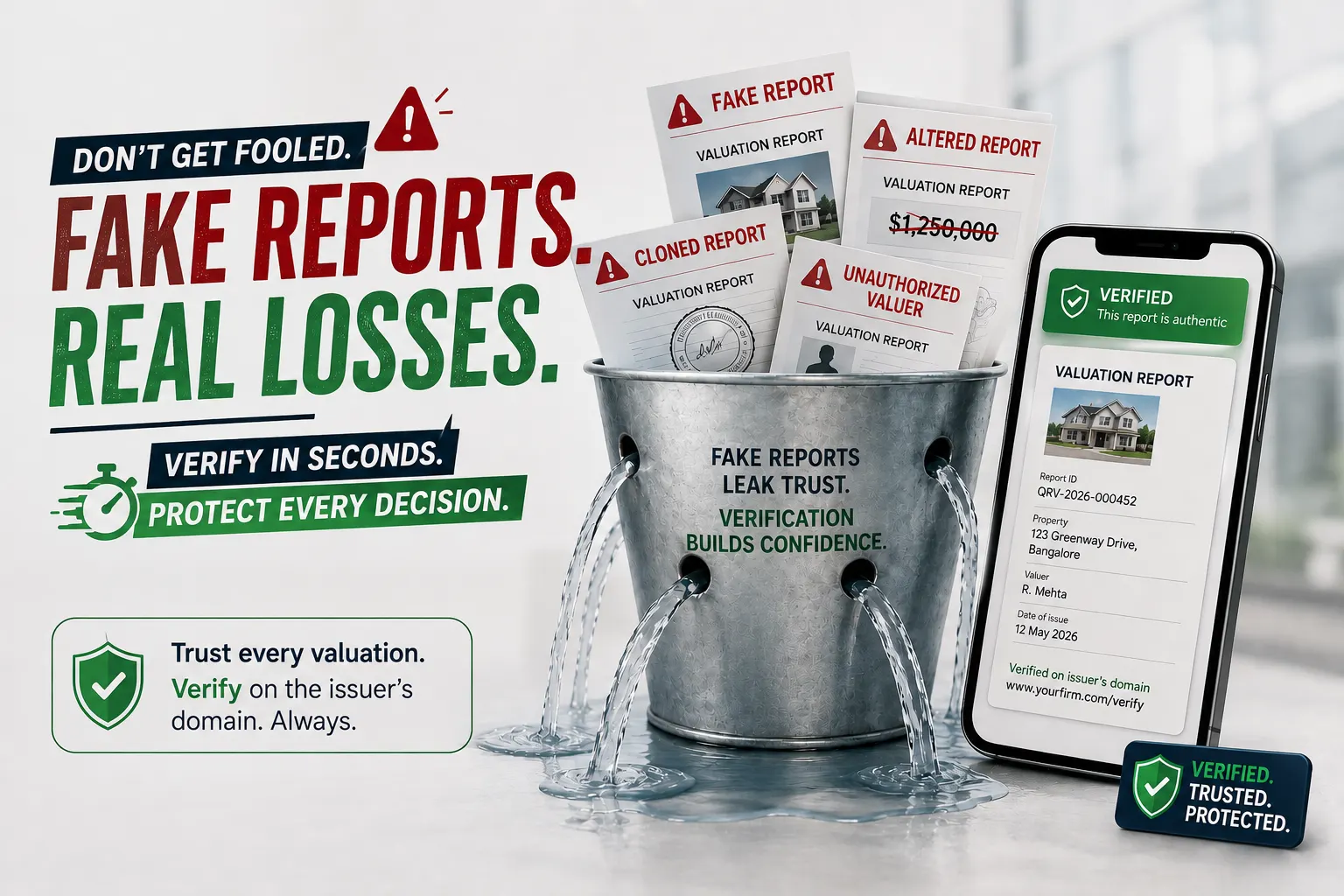
What Is Property Valuation Report Fraud? (A 2026 Guide)
A property valuation report can look like just another document in a loan file. But when that report is fraudulent,…
-
How To Issue Internship Certificate For An Entire Cohort in 2026?
If you run an internship program, the certificate is the last thing an intern walks away with. HR teams, program…
-
How to Make a Warranty Certificate in 2026?
Making a warranty certificate is easy. Issuing one anyone can verify instantly is the real challenge. If you run warranty…
-
How to Prevent Fake Certified Translation?
If you run a certified or sworn translation bureau, the risk is familiar. The moment a translation leaves your office,…
-

·
Best Certifier Alternatives for Certificate Generation in 2026
Certifier is one of the most used credential platforms. Its template editor is quick, and if your certificates are meant…
-
·
Comparing Legal Document Verification Services in 2026
As legal documents are increasingly created, shared, and stored digitally, proving their authenticity requires more than traditional paper-based security measures.…
-
How to Issue Machine Operator Certificates
Creating a machine operator certificate is easy. Issuing one that anyone can verify instantly is the real challenge. As training…
QR Mark’s Features
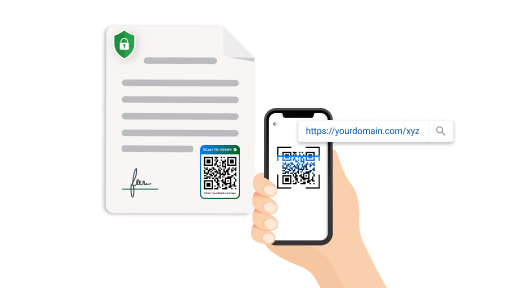
Custom Domain
Securely redirect to your own domain
Connect your preferred domain to build credibility among the users. With simple setup, you can create a landing page that reflects your brand. This helps users trust the authenticity of your documents.
Multiple Users
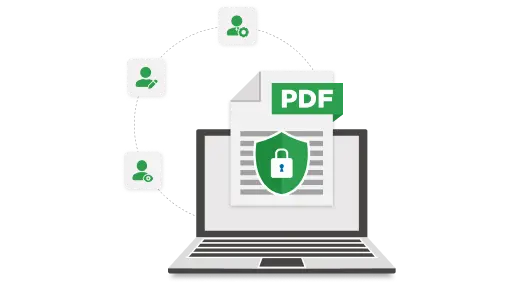
Collaborate with ease
Grant team members or departments access to manage and secure documents with QR Codes in a shared dashboard. This helps keep everything organized while maintaining the highest level of security and control.
Bulk Generate
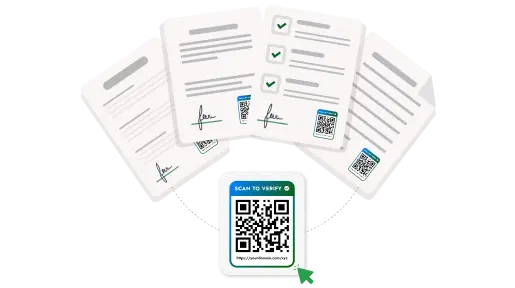
Protect documents in batches
Create and apply secure QR Codes to large volumes of documents in one go. This efficiency is perfect for businesses that handle high volumes of documentation. Save valuable time while securing multiple documents.
Have a feature in mind? Contact us