
QR Mark—The Ultimate Choice For Document Security
Latest blog posts
-
What Is a Certificate of Translation Accuracy?(2026 Guide)
A university admissions officer opens a file from an overseas applicant. The transcript is in Portuguese. Stapled behind it is…
-
·
Legal Document Authentication: How to Secure Every Document You Issue
One of QR Mark’s customer from a reputed legal firm describes his encounter with document fraud, “A document we had…
-
·
What Is a Certificate of Authenticity for Product? (Complete Guide)
Picture a customer who just bought a limited-edition pair of sneakers from a reseller. The shoes look right. There is…
-
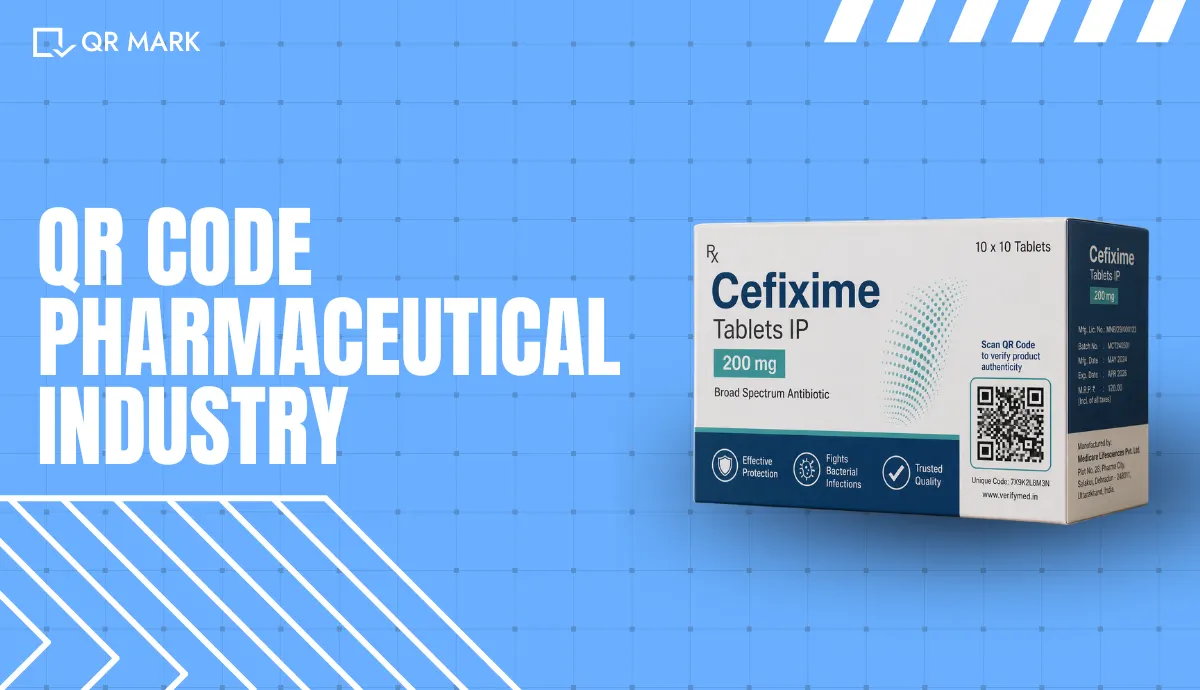
Top 3 QR Code Pharmaceutical Industry Solutions for 2026
A patient walks into a pharmacy with a strip of tablets they bought online. They want to know one thing…
-
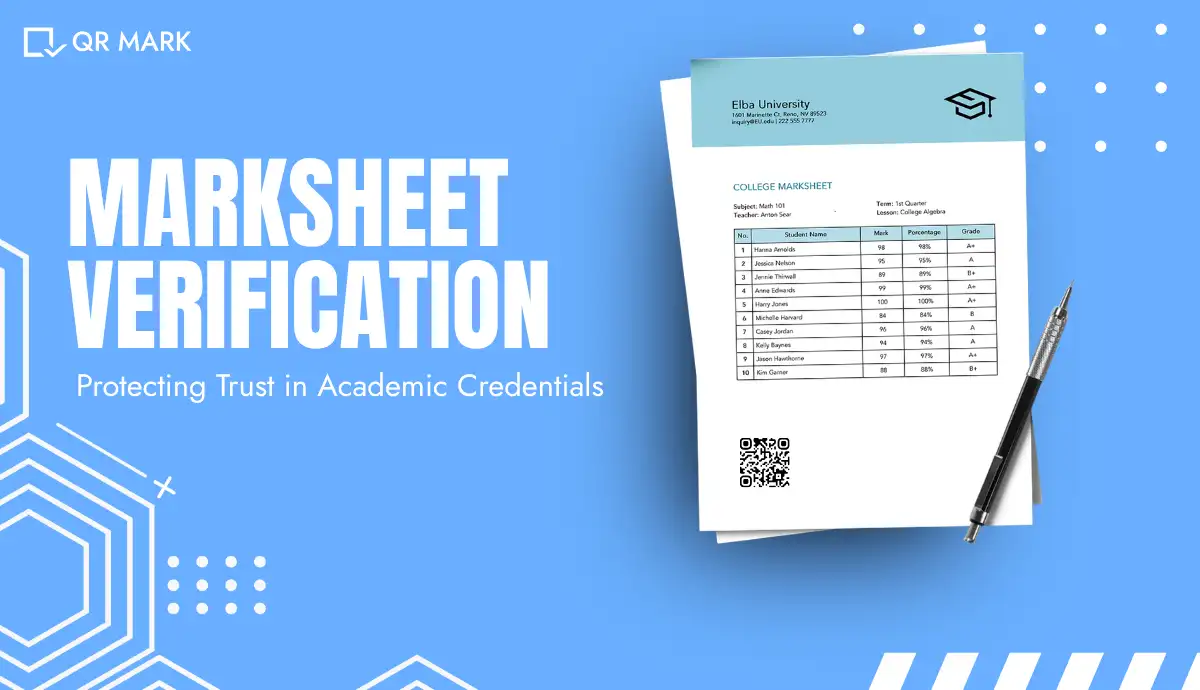
Marksheet Verification: How It Works and How to do it right?
A registrar at a mid-sized college gets the same email a few times a week. An employer or a background-screening…
-

·
Fake STCW Certificate: How to Spot and Verify One
A fake STCW certificate is dangerous because it lets someone work at sea in a role they are not trained…
-
·
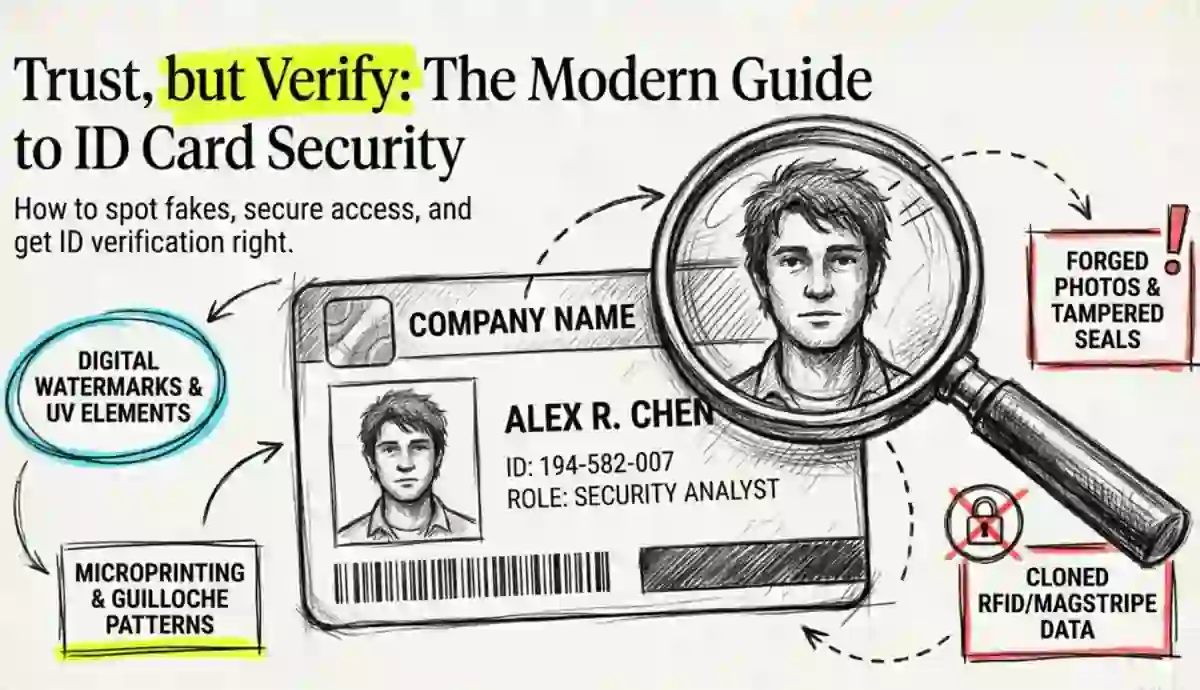
What Is ID Card Verification? (And How to Get It Right)
A security guard at a corporate office scans an employee’s ID card. The badge looks fine. The photo matches. Access…
-
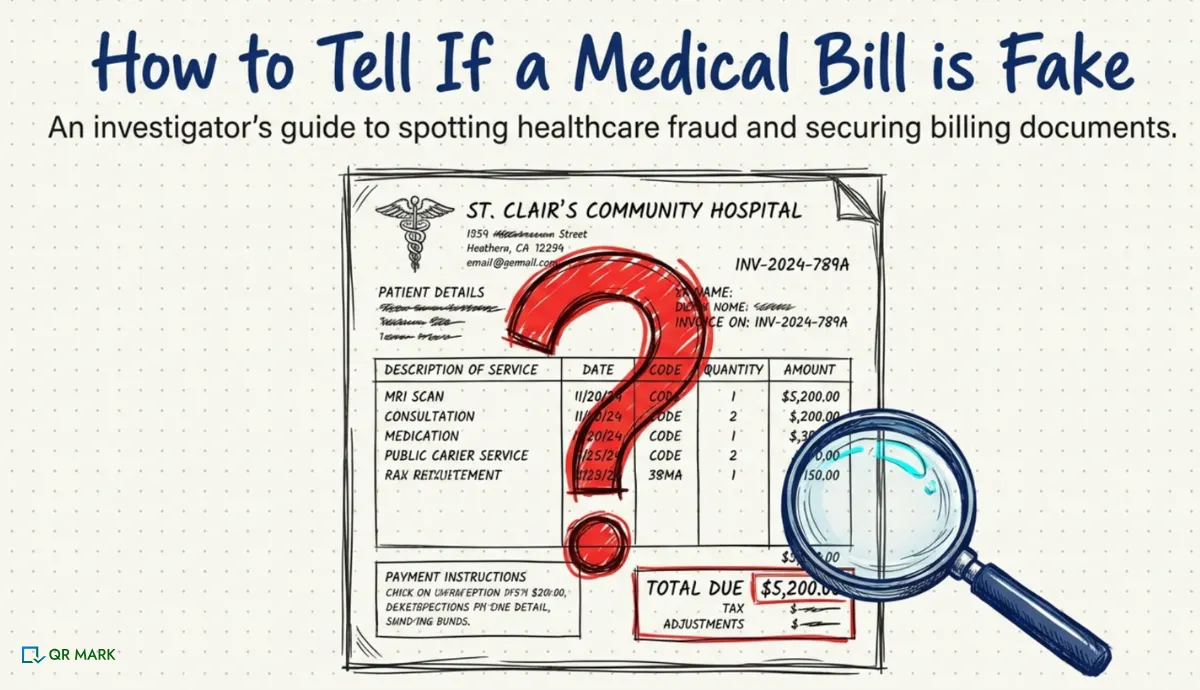
How To Spot A Fake Medical Bill And Protect Its Authenticity?
According to the National Health Care Anti-Fraud Association(NHCAA), healthcare fraud costs the United States over $68 billion annually, with fraudulent…
-
·
What Is Document Validation: A Complete Guide For 2026
In 2024, the International Maritime Bureau (IMB) reported an 11.4% increase in suspicious trade documents worldwide, including fake bills of…
QR Mark’s Features
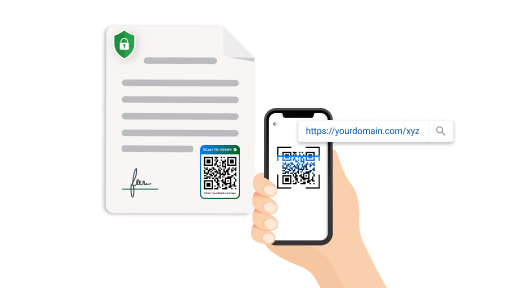
Custom Domain
Securely redirect to your own domain
Connect your preferred domain to build credibility among the users. With simple setup, you can create a landing page that reflects your brand. This helps users trust the authenticity of your documents.
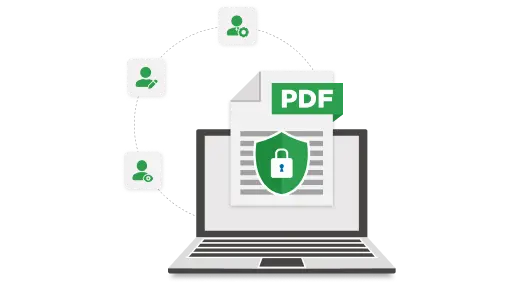
Multiple Users
Collaborate with ease
Grant team members or departments access to manage and secure documents with QR Codes in a shared dashboard. This helps keep everything organized while maintaining the highest level of security and control.
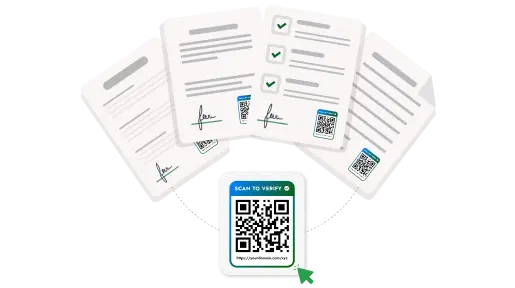
Bulk Generate
Protect documents in batches
Create and apply secure QR Codes to large volumes of documents in one go. This efficiency is perfect for businesses that handle high volumes of documentation. Save valuable time while securing multiple documents.
Have a feature in mind? Contact us